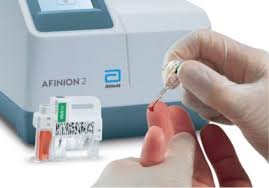
Accurate Sodium Concentration for your hydration strategy
£135
a Hydration Sweat Test shows how much sodium you are losing in your sweat.
Each of us is individual and for endurance sports (especially in hot climates) knowing how much sodium you need to replace can prevent cramps, dehydration and much worse.
The test is conducted by a test technician, and a full report with a hydration strategy will be emailed to you.
If you have done your own sweat-rate test prior to coming, this will help with accurate results.
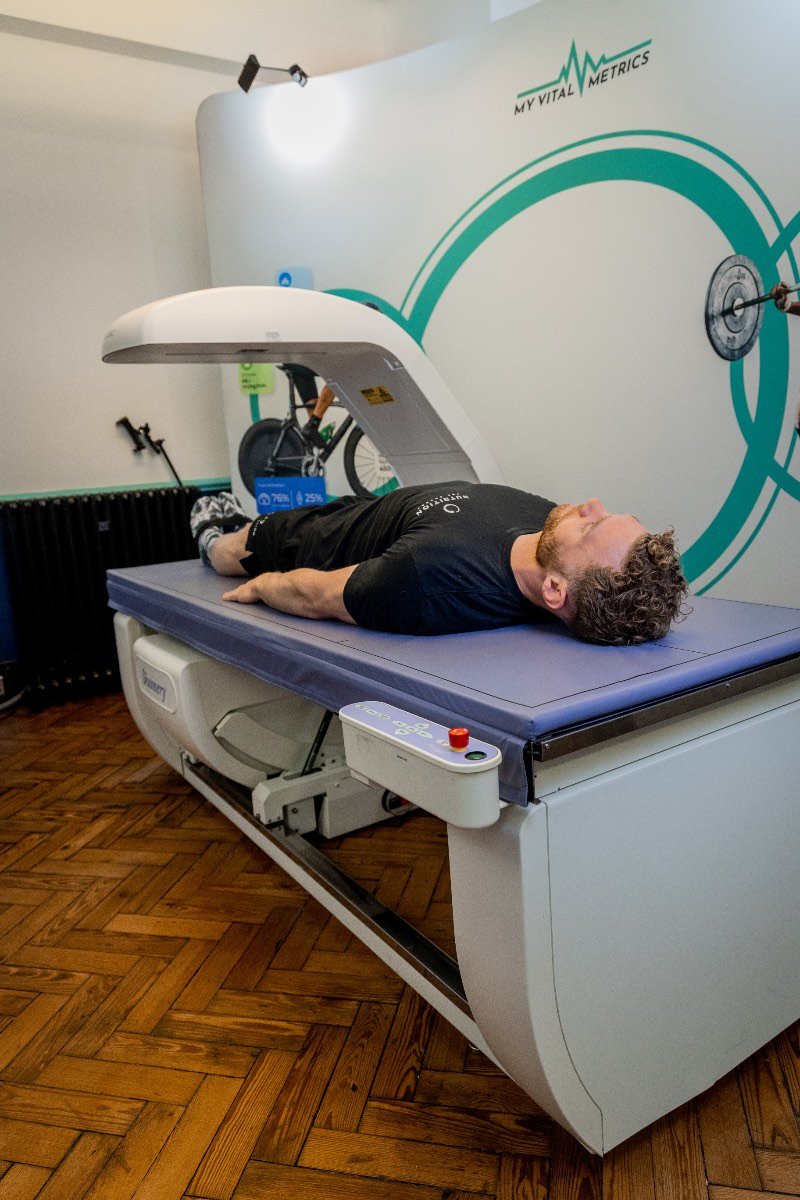
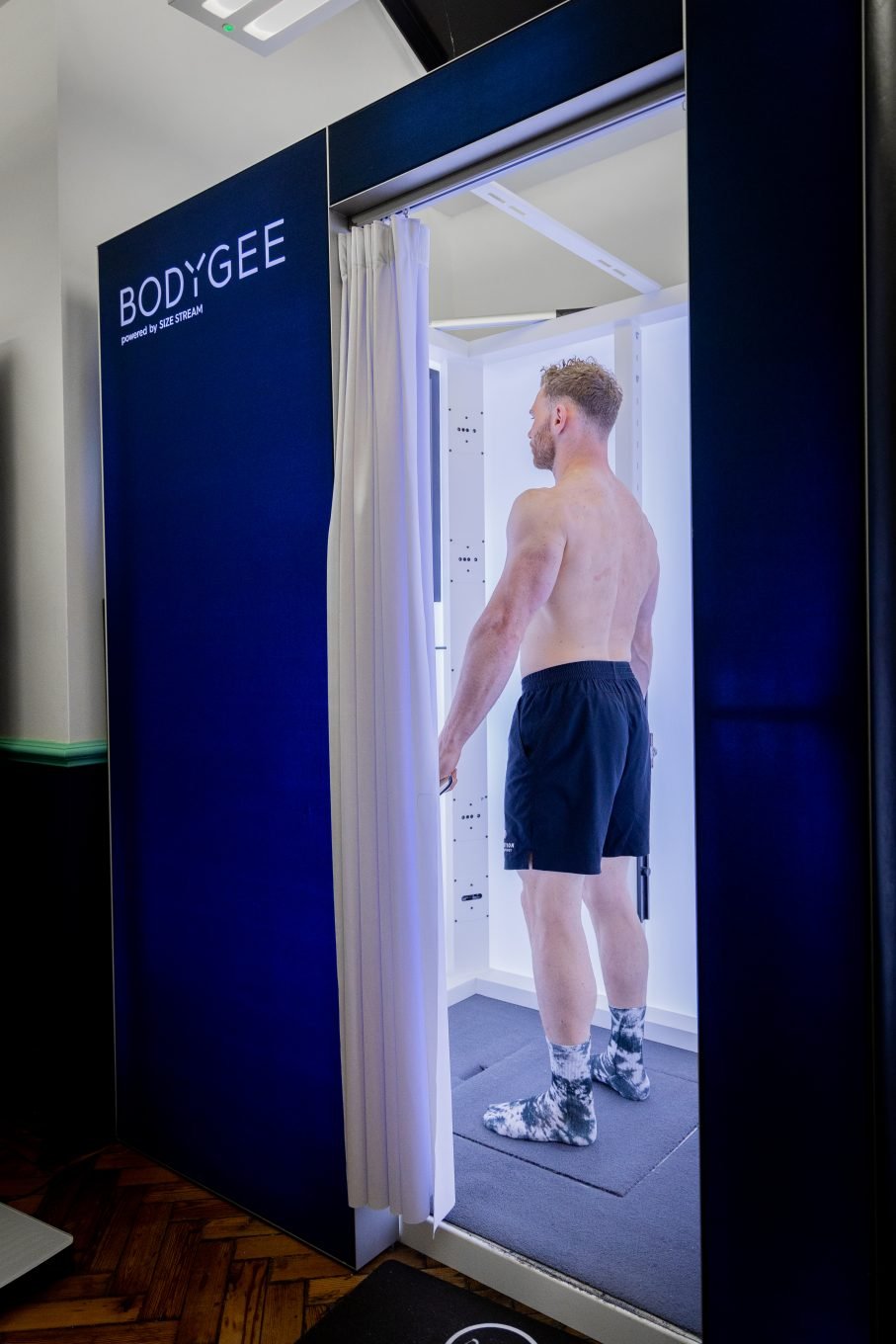
The most advanced body composition service in the UK and the standard clinical bone density scan for two
£419
Changing composition is so much better when you've got a friend or partner doing it with you.
Also tracking bone density together can be useful
Everything in our Gold-standard DEXA Composition Plus service, and everything in the bone density service, but done for two people at the same appointment.
The Osteoporosis Profile Blood Test is a panel which covers a few specific markers with a focus on bone health and the vitamins and minerals that support it.
£249
The Osteoporosis Profile Blood Test can help to identify an underlying cause, or nutritional deficiency which might be causing lower bone density. It would usually be taken as a follow-up to a DEXA Bone density scan which has revealed less-than-optimal bone density.
The Men’s Health Blood Test is a panel which covers a wide array of the most common biomarkers for men. This test would make a great annual check-in for general health
£229
The Mens Health blood test panel is for men who want to check in on a regular basis to ensure that the major factors affecting their overall health, wellness, vitality and energy are all being maintained to a good level.
Includes:
Free Phlebotomy in the lab in London
Sending and processing of results by major lab
Written comments from a GP
30 minute personalised consultation with a nutritionist
The Women’s Health Blood Test is good general panel which covers a standard array of biomarkers with a focus on female health and vitality.
£229
The Women’s Health Blood Test panel is for women who want a general health check-in to ensure that all aspects of heart, metabolic and hormonal health are being tracked.
Includes:
Free Phlebotomy in the lab in London
Sending and processing of results by major lab
Written comments from a GP
30 minute personalised consultation with a nutritionist
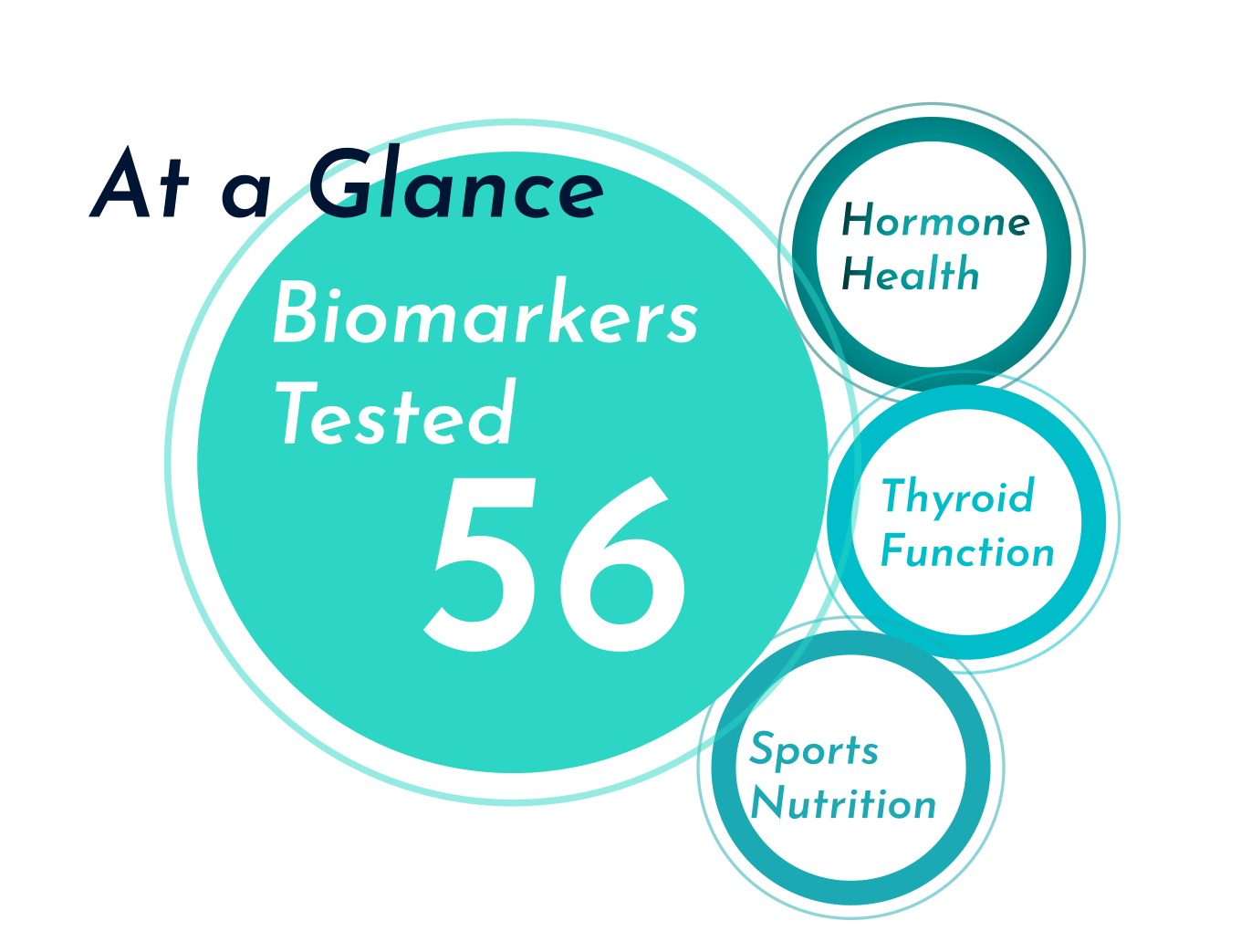
An advanced fitness blood test panel covering all aspects of biomarker health for athletes and active people.
£269
The Sports Performance Blood Test panel is for active people who want to understand the factors which might be affecting their performance, and conversely how their active lifestyles are affecting their biomarkers.
Includes:
Free Phlebotomy in the lab in London
Sending and processing of results by major lab
Written comments from a GP
30 minute personalised consultation with a nutritionist
The Optimal Health Blood Test is a panel which covers a wide array of markers with a focus on overall health, healthy ageing and longevity.
£319
The Optimal Health blood test panel is for all people who want to understand the factors which might be affecting their current and long-term health and where they should be focusing their attentions in order to improve health, or continue to remain healthy into older age.
Includes:
Free Phlebotomy in the lab in London
Sending and processing of results by major lab
Written comments from a GP
30 minute personalised consultation with a nutritionist
Cardiovascular fitness and Functional Movement together
£299
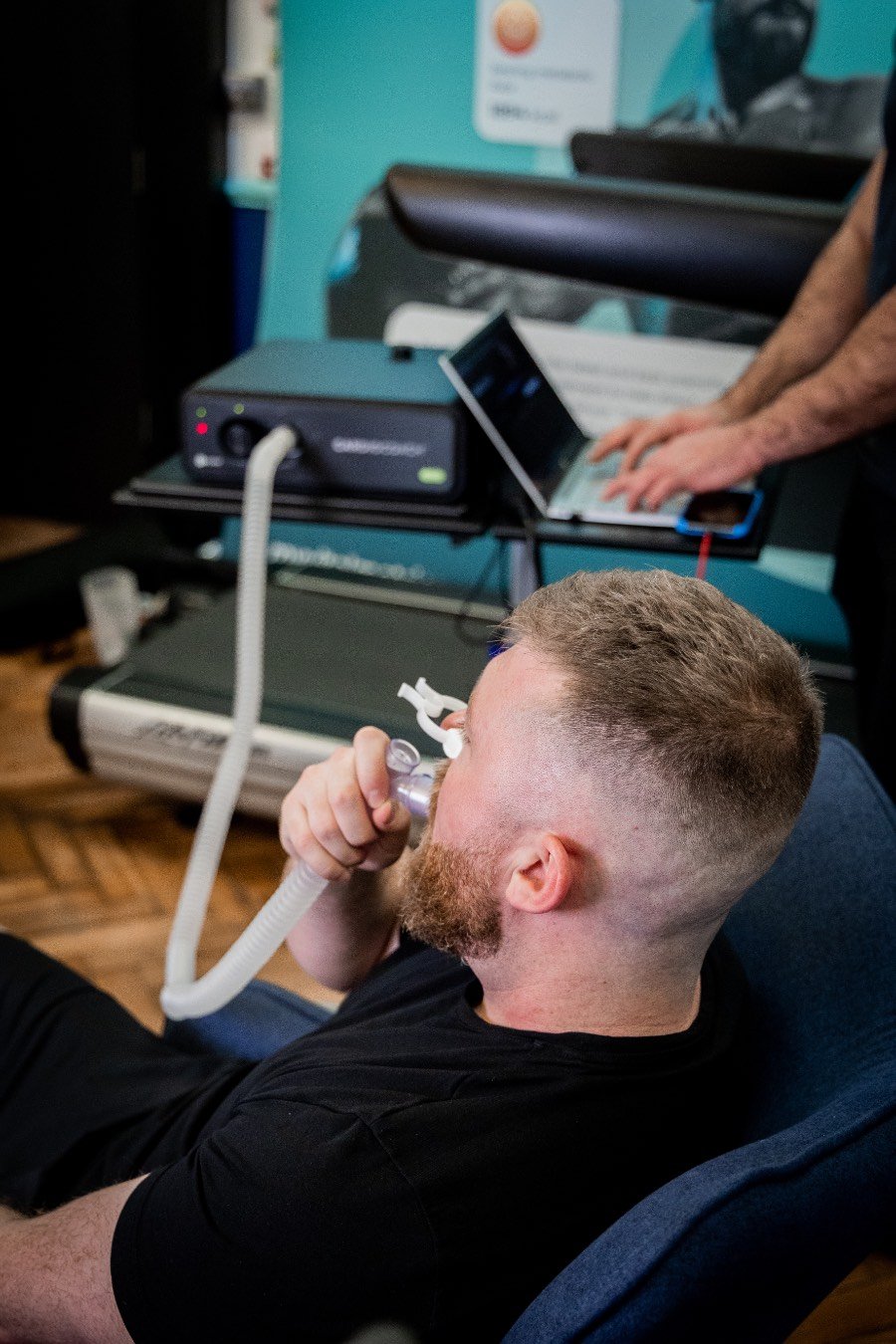
Combining a full appointment for the VO2Max test for cardiovascular fitness , and the full Functional Movement Assessment. Includes the full consultation for each.
a second person can be added to the appointment for the same tests.
Body Composition Cardiovascular fitness and Functional Movement together
£419
Combining a full appointment for the Gold-Standard DEXA Composition Plus, the full VO2Max test for cardiovascular fitness , and the full Functional Movement Assessment. Includes the full consultation for each.
a second person can be added to the appointment for the same tests.
Combining a full appointment for the Gold-Standard DEXA Composition Plus, the full Resting Metabolic Rate Test via Indirect Calorimetry, and the full Functional Movement Assessment. Includes the full consultation for each.
a second person can be added to the appointment for the same tests.
Combining a full appointment for the Gold-Standard DEXA Composition Plus, and the full Functional Movement Assessment. Includes the full consultation for each.
a second person can be added to the appointment for the same tests.
Combining a full appointment for the Gold-Standard DEXA Composition Plus, and either the VO2Max or the FATMAX tests (you can decide on which on the day) for one person.
includes the full consultation for each.
a second person can be added to the appointment for the same tests.
A comprehensive total health screen encompasses our top-of-the-line scientific equipment to understand your body's inner workings to ensure you are living as well as you can.
£595
A bundle of tests to use in a single appointment
The Total Health Bundle brings together everything you need to find out and stay on top of all the major health and fitness concerns
It includes a DEXA Scan to get your current body composition
The supplementary Bone Density scan to assess your bone health
A Resting Metabolic Rate test to give you the precise calories you need
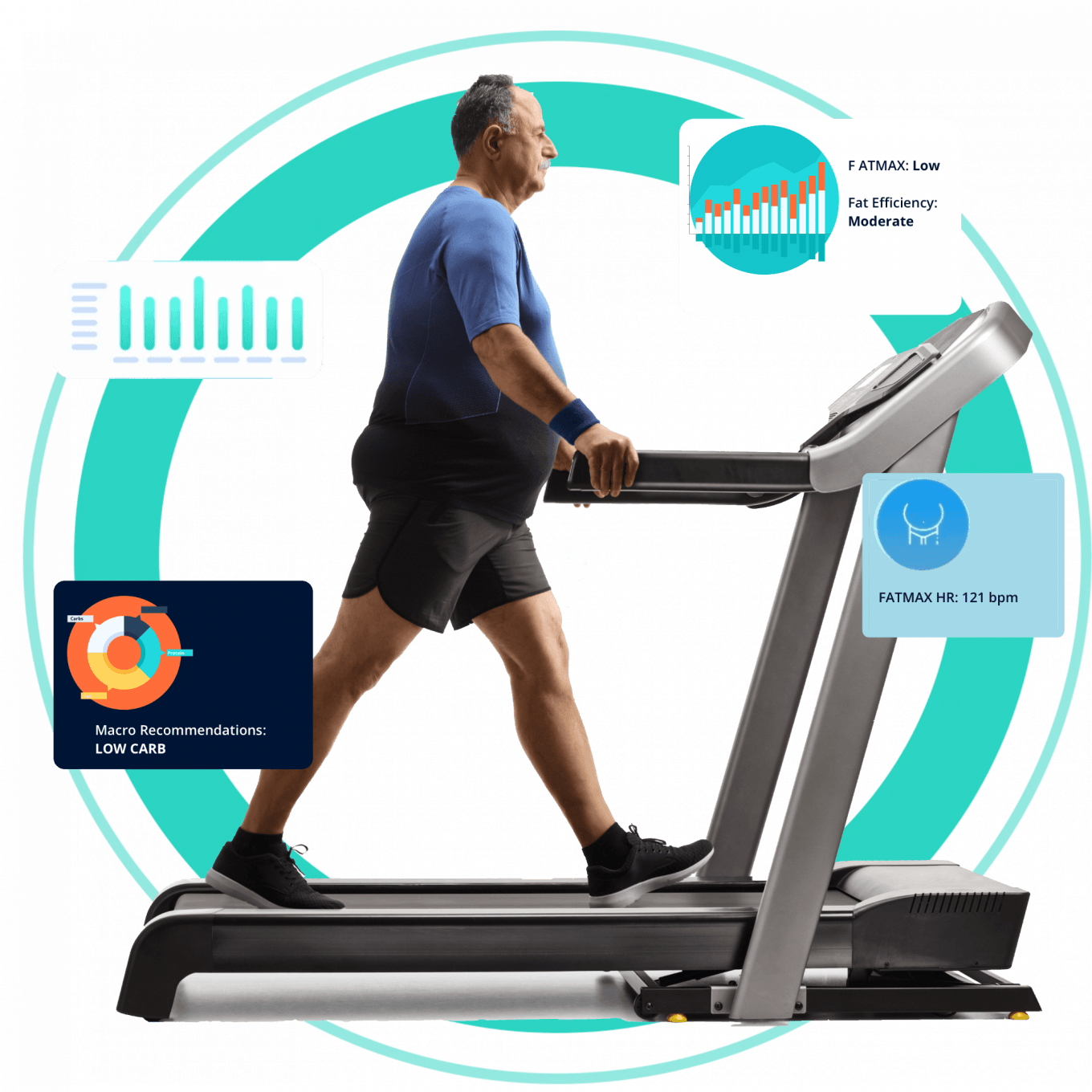
A FatMax test to show how well you burn fat at rest and at low to moderate levels of exercise to give you the best intensity to lose fat, OR a VO2Max to give you the above as well as your cardiovascular fitness and workout zones.
A Functional Movement Assessment to identify areas of weakness or tightness around the body and a plan to work on these
And the blood sugar and cholesterol blood tests will help to set your macronutrient targets and give you other dietary consideration.
KMSAuto download is a popular tool used to activate Windows and Office products quickly and easily. This software helps users bypass the need for purchasing a license by providing a way to activate their operating system and Microsoft Office suite. Many people look for KMSAuto download because it supports various versions of Windows and Office, making it a versatile choice for activation.
When you download KMSAuto, you get a program that works offline and does not require an internet connection to activate your software. It uses a method called Key Management Service (KMS) to activate Windows and Office products, which is why it is named KMSAuto. This tool is known for its simple interface and fast activation process, which can save users time and effort.
Using KMSAuto download can help you avoid the limitations of trial versions of Windows and Office. It allows full access to all features without restrictions. However, it is important to understand the legal and ethical considerations when using such tools, as they are not officially supported by Microsoft. Always make sure to use software responsibly and consider official activation methods when possible.
KMSAuto Variants and Activation Features for Windows and Office
KMSAuto download comes in several variants, each designed to meet different user needs for activating Windows and Office products. These kmsauto variants offer unique kmsauto features that make the activation process easier and more efficient. The kmsauto activation process is straightforward, allowing users to activate their software quickly without complicated steps.
One of the main advantages of this kmsauto software tool is its kmsauto compatibility with various versions of Windows and Office. This ensures that users can rely on it regardless of the specific edition they want to activate. The kmsauto benefits include saving time and avoiding the hassle of purchasing licenses, making it a popular choice for many.
Did you know?
KMSAuto tools work by emulating a Key Management Service server, which is a clever way to activate software without official keys.
Overview of KMSAuto Net and Its Activation Process
KMSAuto Net is one of the most widely used kmsauto variants. It offers a user-friendly interface and a smooth kmsauto activation process. This tool supports both Windows and Office activation, making it a versatile option for users who need to activate multiple products.
The kmsauto features of KMSAuto Net include automatic detection of the installed software and quick activation with just a few clicks. It also provides detailed information about the activation status, helping users understand if their software is properly activated.
KMSAuto++ and KMSAuto Lite: Features and Portability Options
KMSAuto++ and KMSAuto Lite are two other popular kmsauto variants. KMSAuto++ is known for its advanced kmsauto features, including support for a wider range of Windows and Office versions. It also offers more customization options during the kmsauto activation process.
On the other hand, KMSAuto Lite is a lightweight kmsauto software tool designed for portability. It can be run from a USB drive without installation, making it convenient for users who need to activate software on multiple devices. Both variants maintain excellent kmsauto compatibility and provide reliable activation results.
How KMSAuto Emulates KMS Server for Windows and Office Activation
The core of the kmsauto activation process lies in how the tool emulates a KMS server. This emulation tricks Windows and Office into thinking they are communicating with a genuine Key Management Service, which is normally used by organizations to activate multiple devices.
By mimicking this server, the kmsauto software tool can activate Windows and Office products without needing official license keys. This method ensures that the activation is recognized by the system, allowing full access to all features.
KMSAuto Tool Features for Windows and Office License Activation
The kmsauto features include:
Automatic detection of installed Windows and Office versions
One-click activation process for ease of use
Support for multiple kmsauto variants to suit different needs
Offline activation capability without internet connection
Detailed activation status reports
These kmsauto benefits make it a preferred choice for users looking to activate their software quickly and efficiently. The kmsauto compatibility with various editions ensures that most users can find a suitable variant for their activation needs.
Installation, Compatibility, and Security of KMSAuto
Installing and using the KMSAuto software tool involves understanding its setup process, how well it works with different systems, and the safety measures it offers. This section explains these important points to help users make informed decisions about using KMSAuto.
KMSAuto installation is usually straightforward but requires attention to system needs and security settings. The tool is designed to work on many Windows versions, showing good kmsauto compatibility. However, users should always check if their system meets the requirements before installing.
Security is a key concern when using any activation tool. KMSAuto security depends on downloading the software from trusted sources and following safe installation steps. The kmsauto reliability is linked to how well it activates software without causing system issues or exposing users to risks.
System Requirements for KMSAuto Download and Installation
Before starting the kmsauto installation, make sure your computer meets these basic needs:
Operating System: Windows 7, 8, 8.1, 10, or later
Processor: 1 GHz or faster
RAM: At least 1 GB
Disk Space: Minimum 100 MB free
Administrator rights to install software
Antivirus temporarily disabled during installation (to avoid interference)
Meeting these requirements ensures smooth installation and helps maintain kmsauto reliability during activation.
Step-by-Step Guide to Installing and Setting Up KMSAuto
Follow these simple steps for a successful kmsauto installation:
Download the KMSAuto software tool from a trusted source.
Disable antivirus temporarily to prevent blocking the installation.
Run the installer as an administrator.
Follow the on-screen instructions to complete the setup.
After installation, open the tool and select the product you want to activate.
Click the activation button and wait for the process to finish.
Restart your computer if prompted.
This easy process helps ensure the kmsauto software tool works correctly and activates your Windows or Office product.
KMSAuto Compatibility with Windows 10 and Office 2016
KMSAuto shows strong kmsauto compatibility with popular software like Windows 10 and Office 2016. It supports different editions of these products, making it a flexible choice for many users.
Works with both 32-bit and 64-bit versions
Supports Home, Pro, and Enterprise editions
Compatible with Office 2016 Standard and Professional
This broad compatibility means users can rely on KMSAuto for activating their software without worrying about version conflicts.
Is KMSAuto Safe and Reliable for Software Activation?
When considering kmsauto security and reliability, users should keep these points in mind:
Always download from trusted sources to avoid malware.
Use the latest version for improved security features.
Temporarily disable antivirus during installation to prevent false alarms.
The tool does not connect to the internet during activation, reducing exposure.
KMSAuto reliability depends on correct use and system compatibility.
⚠️ Important: Using activation tools may violate software terms. Always understand the risks before proceeding.
Managing KMSAuto Password and User Preferences
KMSAuto allows users to set passwords and customize preferences for better control:
Password protection prevents unauthorized access to the tool.
Users can save activation logs for future reference.
Preferences include automatic activation on startup and language settings.
Customizable options improve user experience and security.
Managing these settings helps maintain kmsauto security and ensures the tool works according to your needs.
Frequently Asked Questions About KMSAuto Download and Usage
Many people have questions about the kmsauto software tool and how it works. Below are some common questions and clear answers to help you understand kmsauto download for windows 10 and how to use it safely and effectively.
KMSAuto is popular because it simplifies the kmsauto activation process for Windows and Office products. It works by emulating a Key Management Service server, which allows activation without official keys. This tool is easy to use and supports many versions of Windows and Office.
How to Download KMSAuto for Windows 10 and Office Activation?
Downloading the kmsauto software tool is simple if you follow these steps:
Search for kmsauto download for windows 10 using a trusted source.
Make sure your computer meets the system requirements.
Download the installation file carefully.
Disable antivirus temporarily to avoid blocking the installation.
Run the installer as an administrator.
Follow the on-screen instructions to complete the setup.
Once installed, you can start the kmsauto activation process for Windows or Office products. The tool automatically detects the installed software and helps you activate it with just a few clicks. This makes activating your software quick and easy! 😊
Does KMSAuto Require an Internet Connection to Activate Software?
One great thing about the kmsauto software tool is that it does not need an internet connection to activate Windows or Office. The activation happens offline because the tool emulates a KMS server locally on your computer.
This means you can use kmsauto net anytime without worrying about internet access. It also adds a layer of privacy since no data is sent online during activation. This offline feature is very helpful for users with limited or no internet connection. 🚫🌐
How to Activate Office Products Using KMSAuto?
Activating Office products with kmsauto is easy and fast. Here’s how you can do it:
Open the kmsauto software tool after installation.
Select the Office product you want to activate.
Click the activation button to start the kmsauto activation process.
Wait a few moments while the tool activates your Office software.
Check the activation status to confirm success.
The tool supports many Office versions and editions, so it works well for most users. This simple process saves time and helps you enjoy full Office features without restrictions. 👍
💡 Tip: Always run kmsauto as an administrator for the best results during activation.
We use cookies on our website to give you the most relevant experience by remembering your preferences and repeat visits. By clicking “Accept”, you consent to the use of ALL the cookies.
This website uses cookies to improve your experience while you navigate through the website. Out of these, the cookies that are categorized as necessary are stored on your browser as they are essential for the working of basic functionalities of the website. We also use third-party cookies that help us analyze and understand how you use this website. These cookies will be stored in your browser only with your consent. You also have the option to opt-out of these cookies. But opting out of some of these cookies may affect your browsing experience.
Necessary cookies are absolutely essential for the website to function properly. These cookies ensure basic functionalities and security features of the website, anonymously.
Cookie
Duration
Description
cookielawinfo-checbox-analytics
11 months
This cookie is set by GDPR Cookie Consent plugin. The cookie is used to store the user consent for the cookies in the category "Analytics".
cookielawinfo-checbox-functional
11 months
The cookie is set by GDPR cookie consent to record the user consent for the cookies in the category "Functional".
cookielawinfo-checbox-others
11 months
This cookie is set by GDPR Cookie Consent plugin. The cookie is used to store the user consent for the cookies in the category "Other.
cookielawinfo-checkbox-necessary
11 months
This cookie is set by GDPR Cookie Consent plugin. The cookies is used to store the user consent for the cookies in the category "Necessary".
cookielawinfo-checkbox-performance
11 months
This cookie is set by GDPR Cookie Consent plugin. The cookie is used to store the user consent for the cookies in the category "Performance".
viewed_cookie_policy
11 months
The cookie is set by the GDPR Cookie Consent plugin and is used to store whether or not user has consented to the use of cookies. It does not store any personal data.
Functional cookies help to perform certain functionalities like sharing the content of the website on social media platforms, collect feedbacks, and other third-party features.
Performance cookies are used to understand and analyze the key performance indexes of the website which helps in delivering a better user experience for the visitors.
Analytical cookies are used to understand how visitors interact with the website. These cookies help provide information on metrics the number of visitors, bounce rate, traffic source, etc.
Advertisement cookies are used to provide visitors with relevant ads and marketing campaigns. These cookies track visitors across websites and collect information to provide customized ads.